The No Response - Network Forward task generates when a bill has received a response indicating that it has been processed, but the EOR is for a network, not the provider.
Here’s how to work a No Response - Network Forward task:
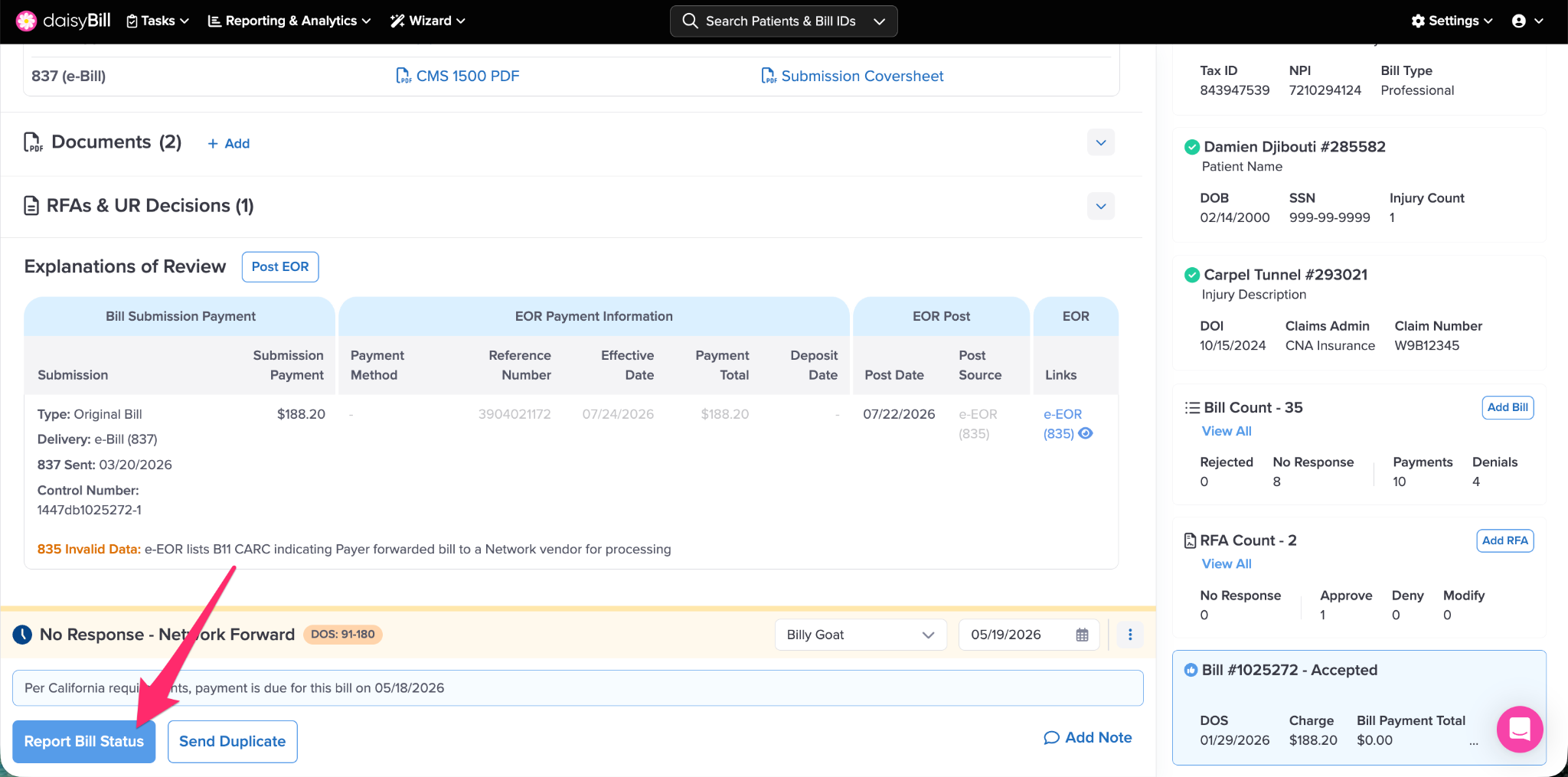
Step 1. Click ‘Report Bill Status’
Click Report Bill Status to contact the Network to determine why the bill has not been paid.
Step 2. Call the Network
When available, daisyBill will provide the name and contact number of the network referenced in the invalidated EOR. If none is available, call the claims administrator to determine which network you need to contact.
Step 3. Review the Claims Administrator’s proof of bill receipt
The network may ask you how the bill was originally sent. This can be obtained from the Bill Submission Receipt.
Step 4. Record the outcome of your call
To record the bill status information you obtain during the call, select one of the four options daisyBill provides.
Each option prompts you to report key information from your call with the network.
Depending on your selected option, daisyBill alerts you to the following action to be taken to ensure the bill is paid.
Step 5. Click ‘Save’
You have completed your No Response - Network Forward task—and you’re one step closer to receiving payment for the bill!
Time to get paid!